
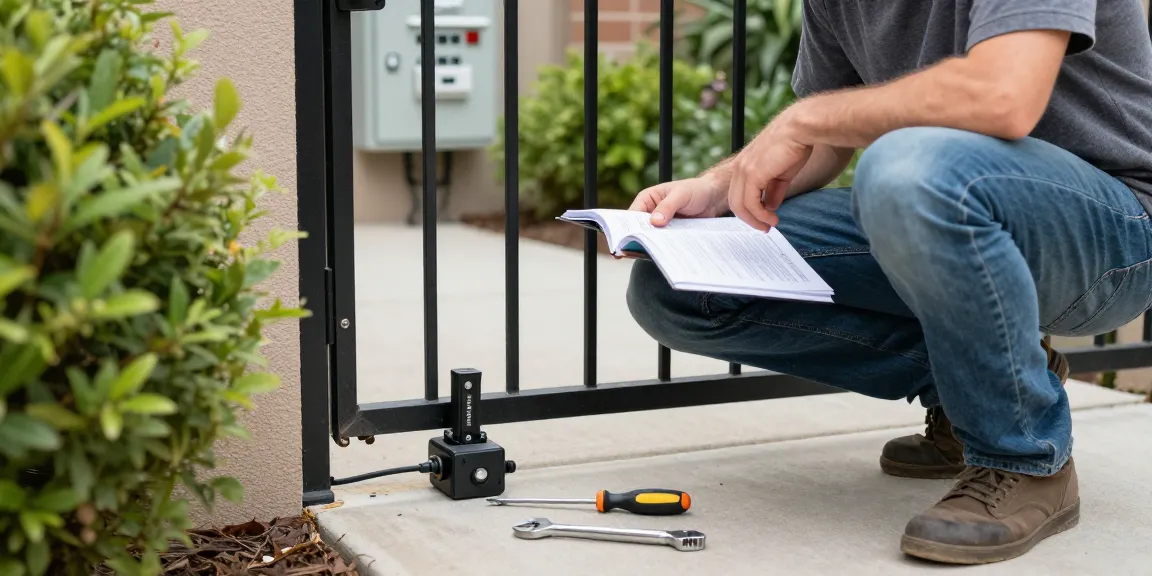
Understanding Mighty Mule Gate Opener Problems
Mighty Mule gate openers are popular choices for automatic gate systems owing to their reliability and ease of use. However, like any mechanical device, they can occasionally encounter problems that hinder their performance. This comprehensive troubleshooting guide aims to assist users in identifying and resolving common issues related to their Mighty Mule gate openers. By understanding these problems and their solutions, you can ensure that your gate operates smoothly and efficiently. For detailed insights, consider exploring mighty mule gate opener troubleshooting resources which provide step-by-step solutions to common issues.
Common Issues Encountered
Users frequently report several problems with Mighty Mule gate openers, which may include:
- Failure to open or close
- Slow or jerky movement
- Unusual noises during operation
- Remote control not functioning
Each of these issues can stem from different causes, ranging from power supply failures to mechanical obstructions. Understanding the root of these issues is essential for effective troubleshooting.
Identifying Troubleshooting Steps
To effectively address the problems, consider the following troubleshooting steps:
- Check the power supply to ensure the opener is receiving the necessary voltage.
- Inspect the remote control for battery issues or replace it if needed.
- Examine the gate’s mechanical parts for signs of damage or blockage.
- Refer to the operator’s manual for detailed troubleshooting instructions.
Safety Precautions During Troubleshooting
Before performing any troubleshooting, it’s crucial to observe safety precautions. Always disconnect the main power supply and backup battery before touching the control board or motor wiring. Moving gates can be dangerous; if you’re unsure about any step, it’s best to consult a licensed technician.
Why Your Remote Might Not Be Working
A non-responsive remote control is one of the most common issues faced by Mighty Mule gate opener users. It can be attributed to a variety of reasons, and addressing these can restore functionality quickly.
Battery Check and Replacement
The first step is to check the remote control’s batteries. Weak or dead batteries can prevent the remote from sending signals to the gate opener. Replace the batteries with new, compatible ones to see if this resolves the issue.
Interference and Obstruction Issues
Sometimes, interference from other electronic devices or physical obstructions can affect the remote’s range. Ensure that there are no objects blocking the signal between the remote and the gate opener. Try operating the remote from different angles and distances to test its functionality.
Remote Reset Procedures
Should battery replacement not solve the issue, resetting the remote can be an effective solution. Refer to the product manual for specific reset instructions, as these can vary by model. A simple reset might restore communication between the remote and the gate opener.
Addressing Movement Issues with Your Gate
Movement issues, such as slow or jerky operation, can be frustrating. They are often signs of underlying problems that need to be addressed.
Slow or Jerky Movement Troubleshooting
If your gate opens or closes slowly or unevenly, it could indicate friction or resistance in the system. Examine the gate’s movement path for any obstructions or debris that may be hindering its operation.
Mechanical Inspection Steps
Conduct a thorough inspection of the gate opener’s mechanical components, such as the hinges and tracks. Look for signs of wear, misalignment, or damage that might inhibit smooth movement. Tightening loose bolts or realigning misaligned parts can often solve these issues.
Lubrication and Maintenance Practices
Regular lubrication of moving parts is crucial for maintaining smooth operation. Use a recommended lubricant to keep hinges and moving parts in prime condition, ensuring that everything functions properly and extends the life of your gate opener.
Dealing with Unusual Noises During Operation
Unusual noises, such as grinding, clanking, or beeping, can indicate issues with your Mighty Mule gate opener that require immediate attention.
Common Noises and Their Causes
Grinding noises may suggest that components are misaligned or need lubrication, while clicking or beeping often indicates a power issue or a malfunctioning control board. Identifying the type of noise can help narrow down possible causes.
How to Inspect for Loose Components
Regular inspection can help you catch loose screws or parts before they lead to larger problems. Check all connections and fasteners to ensure they are tight. If you find any loose components, secure them and see if the noise persists.
Consulting a Professional When Needed
If the unusual noises continue despite your inspection and maintenance efforts, it might be time to consult a professional. A technician can provide a thorough investigation and repair any serious issues that might not be immediately visible.
Expert Tips for Maintaining Your Mighty Mule Gate Opener
Prevention is always better than cure, and regular maintenance is key to ensuring your Mighty Mule gate opener operates effectively over its lifespan.
Regular Maintenance Routines to Follow
Establish a maintenance routine that includes:
- Regular lubrication of moving parts
- Periodic inspection of electrical connections
- Testing the remote control frequently
- Cleaning the gate and surrounding areas
DIY Installation Considerations
Many users opt to install their Mighty Mule gate openers themselves due to the detailed manuals provided. If you’re considering a DIY installation, ensure you have the right tools and a solid understanding of the instructions. If you’re uncertain at any point, consulting a professional is recommended to avoid potential issues down the line.
Improving Remote Range and Performance
To enhance the range of your remote control, ensure that it is pointed directly at the gate opener and that there are no obstructions. Replacing old batteries, checking for signal interference, and possibly relocating electronic devices that might cause interference will also help improve performance.
What Should I Do If My Gate Opener Is Stuck?
If your Mighty Mule gate opener becomes stuck in one position, start by checking for any mechanical obstructions. Ensure that the power supply is active and that no circuit breakers have tripped. A reset may also resolve the issue, following the instructions in your operator manual. If the problem continues, seek professional help.
What Safety Features Are Available?
Mighty Mule gate openers incorporate several safety features, including safety sensors that can detect obstacles in the gate’s path and stop movement to prevent accidents. Understanding these features is vital for safe usage, and regular checks will ensure they function correctly.




More Stories
Rainpoint Sprinkler Timer According to Top Gardening Experts: Effective Watering Strategies for 2026
Wie man eine Terrassenüberdachung freistehend Schritt für Schritt aufbaut
Carport Warnzeichen: Anzeichen, dass Sie besser auf Abstand gehen sollten